Wallpapers

Cocoon lets you set a custom background behind your game grid — and you’re not limited to static images. You can use photos, videos, animated GIFs, or even Android’s live wallpaper system.
Here’s an example using Wallpaper Engine

Setting a Wallpaper
- Go to Settings → Appearance → Wallpapers.
- Choose what type of wallpaper you want:
- Image — Any photo or picture from your device (PNG, JPG, WEBP).
- Video — A looping video file (MP4, WEBM). Great for animated backgrounds.
- GIF — An animated GIF.
- Live Wallpaper — Use whatever live wallpaper you’ve set in Android’s own wallpaper settings.
- Pick your file (or choose the live wallpaper option) and you’re done!
Performance note: Video and GIF wallpapers use more battery and processing power than static images. If you notice any lag or frame drops while scrolling your grid, try lowering the FPS or switching to a static image.
Dual-Screen Wallpapers
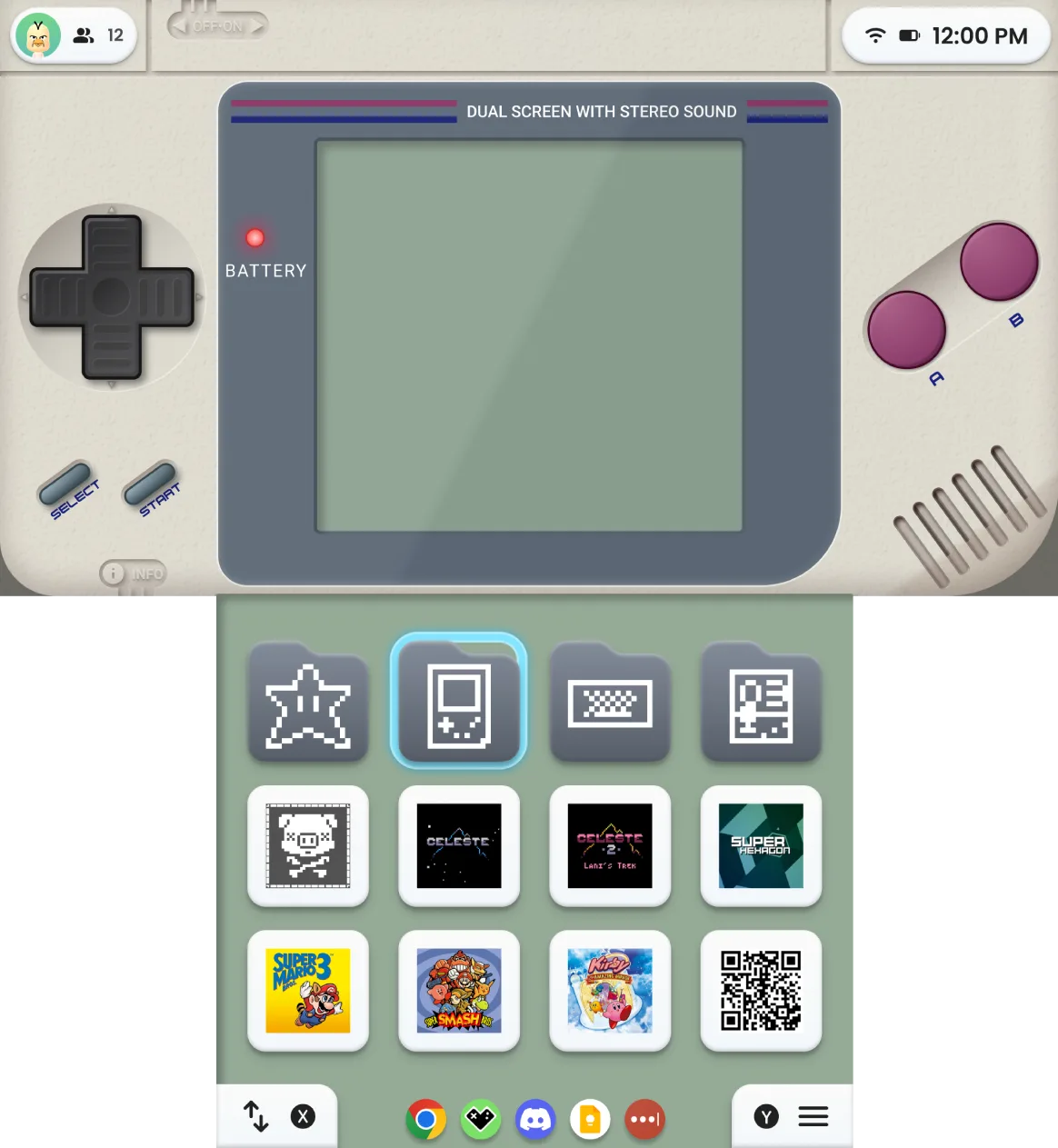
If you’re on a dual-screen device, you can set separate wallpapers for each screen:

- Main wallpaper — Your primary display background.
- External wallpaper — The secondary screen gets its own background.
This means you could have a calm, dark wallpaper on your info screen and a flashy animated one on your grid, or vice versa.
Video Wallpaper Settings
When using video wallpapers, you can adjust the target frame rate to balance between smoothness and battery life:
| FPS | Good for |
|---|---|
| 10 | Maximum battery savings — video feels more like a slow animation |
| 30 | A nice balance of smooth and efficient |
| 60 | Buttery smooth, but uses more battery |
Tips
- Image size: If your image is larger than 4096×4096 pixels, Cocoon will automatically scale it down. You don’t need to resize anything yourself.
- Video size: Keep video files under 500MB for best performance.
- Performance: Video and GIF wallpapers use more battery than static images. If you notice slowdown, try a lower FPS or switch to a static image.
- Theme wallpapers: Themes can include their own wallpapers. If you apply a theme’s wallpaper and later want to go back to yours, Cocoon remembers your personal wallpaper choice.
- Crash protection: If a wallpaper causes problems, Cocoon will automatically reset it after 3 rapid crashes. You won’t get stuck in a boot loop.
- Gallery hiding: Cocoon creates special files in its media folders so your wallpapers and game art won’t show up in your phone’s gallery app.