
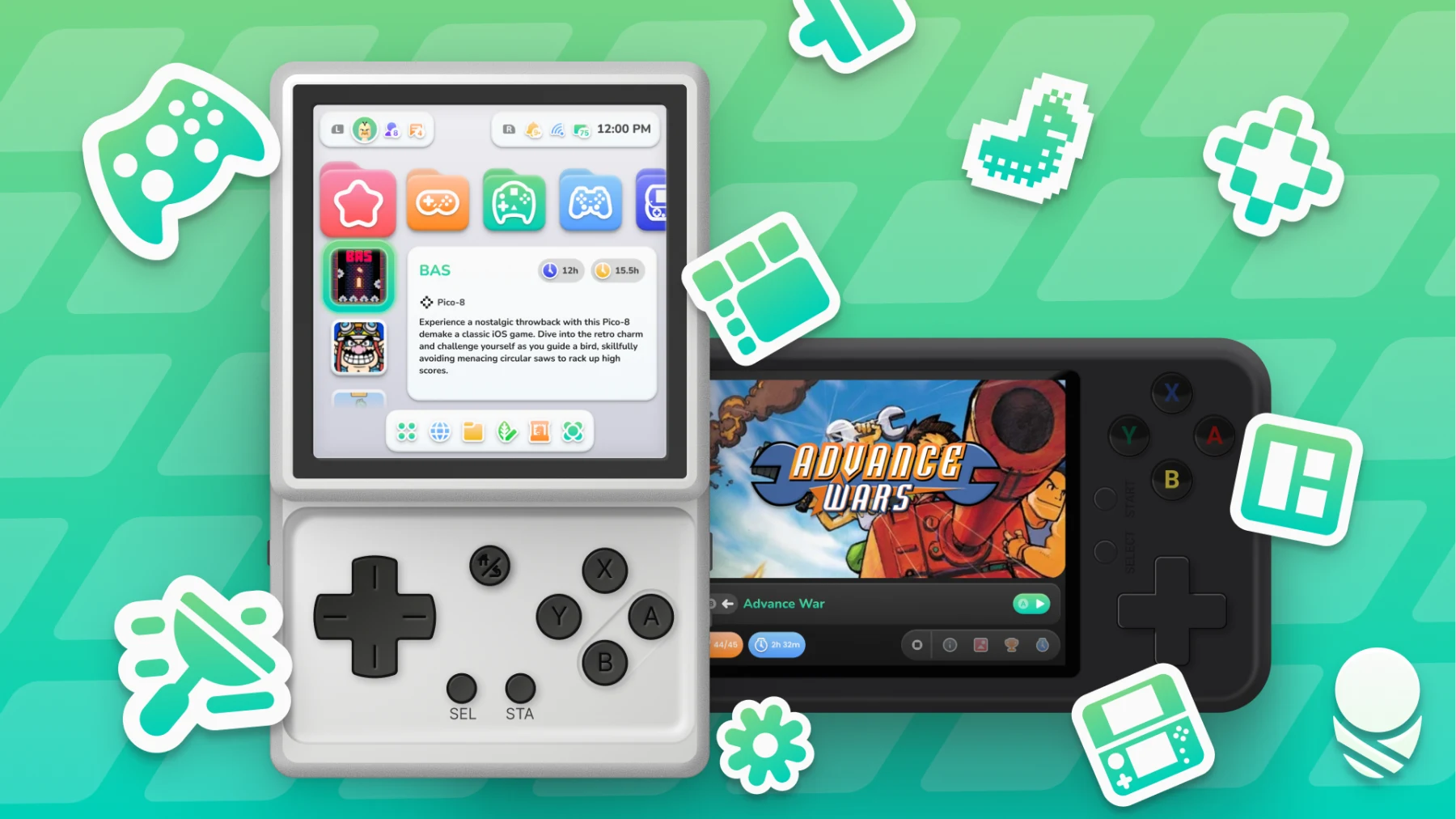
Cocoon 3.12 is here! Single-screen handhelds get a new layout and their own game info screen, and you can now save your whole Home as a preset. Download Cocoon 3.12
Say Hello to Docket
Docket is Cocoon’s XMB-inspired one-row mode. Your Home sits in a row and you can expand folders downwards to quickly navigate through your games.
To try it, zoom Home in to one row and pick Docket in Settings → Grid & layout → Grid settings → One-row view. It works on dual-screen devices as well.
Heads up: the pills that used to sit above a one-row grid are gone. You’ll now find the one-row view in Grid settings and sort in the Start menu.
Game info on a single screen
Single-screen handhelds now have their own game info screen! Press X or Select on a game to open it on its art, and press A to launch. Press X again to open its info tabs.
Would you like to see a game’s info before it launches? Head to Settings → Grid & layout → Game tile press action and choose Show info. New installs start this way.
Screenshots and videos have moved to their own Media tab, on every device.
Dock on top
The dock can now sit at the top on a single screen too. Turn on Put dock on the top of screen in Settings → Grid & layout → Dock settings. Your status pills move to the bottom, and their panels open from there.
Presets
You can now keep more than one Home! A preset saves your layout, widgets and dock, along with your theme and wallpapers. Each preset also has its own game list and manual folders, for ultimate themed organisation.
Go to Start → Manage presets and press Y to save your current setup. Press A on a preset to switch to it, or Select to preview it first.
Art Straight From Your Games
A lot of games carry their own artwork inside the file, and Cocoon can now use it! Embedded asset scraping takes icons, logos and backgrounds from your game files with no internet needed.
It reads DS, 3DS, PSP, PS3, PS Vita, Wii, GameCube, Dreamcast, Xbox and Pico-8 games. 3DS banners turn and move like they do on the 3DS home menu, and 3DS games can bring their jingle along.
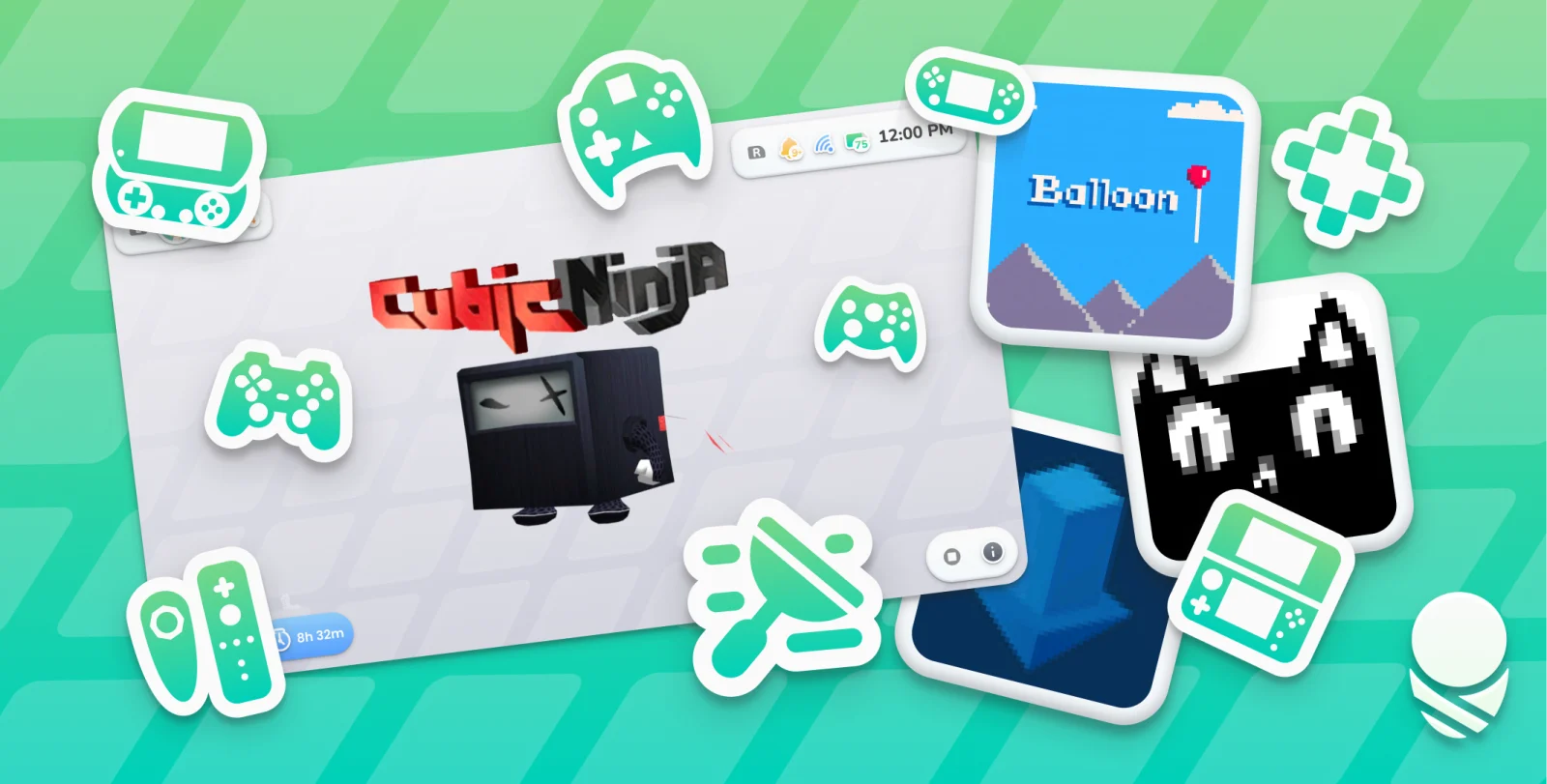
Find it in Settings → Library & data → Scrape, under Scrape embedded assets. Each kind of art can be Preferred, which uses the game’s own art first, or Fallback, which uses it when your other sources find nothing.
Custom Players
Got an emulator Cocoon doesn’t know about yet? Add it yourself! Go to Settings → Library & data → Platforms → Custom players and press Y. Pick the platform and the app, then choose how the game is sent to it.
If you already have a platform file, press Select to import it. YAML and JSON both work.
Platforms keep themselves up to date now. Cocoon checks for new platforms and players every 6 hours and downloads them for you.
Want to add a platform for everyone? The platform files on CocoonFE are now YAML, which makes them much easier to read and edit.
A Tidier Settings
Settings has been reorganised into six categories, and the toolbar shows where you are as you go deeper.
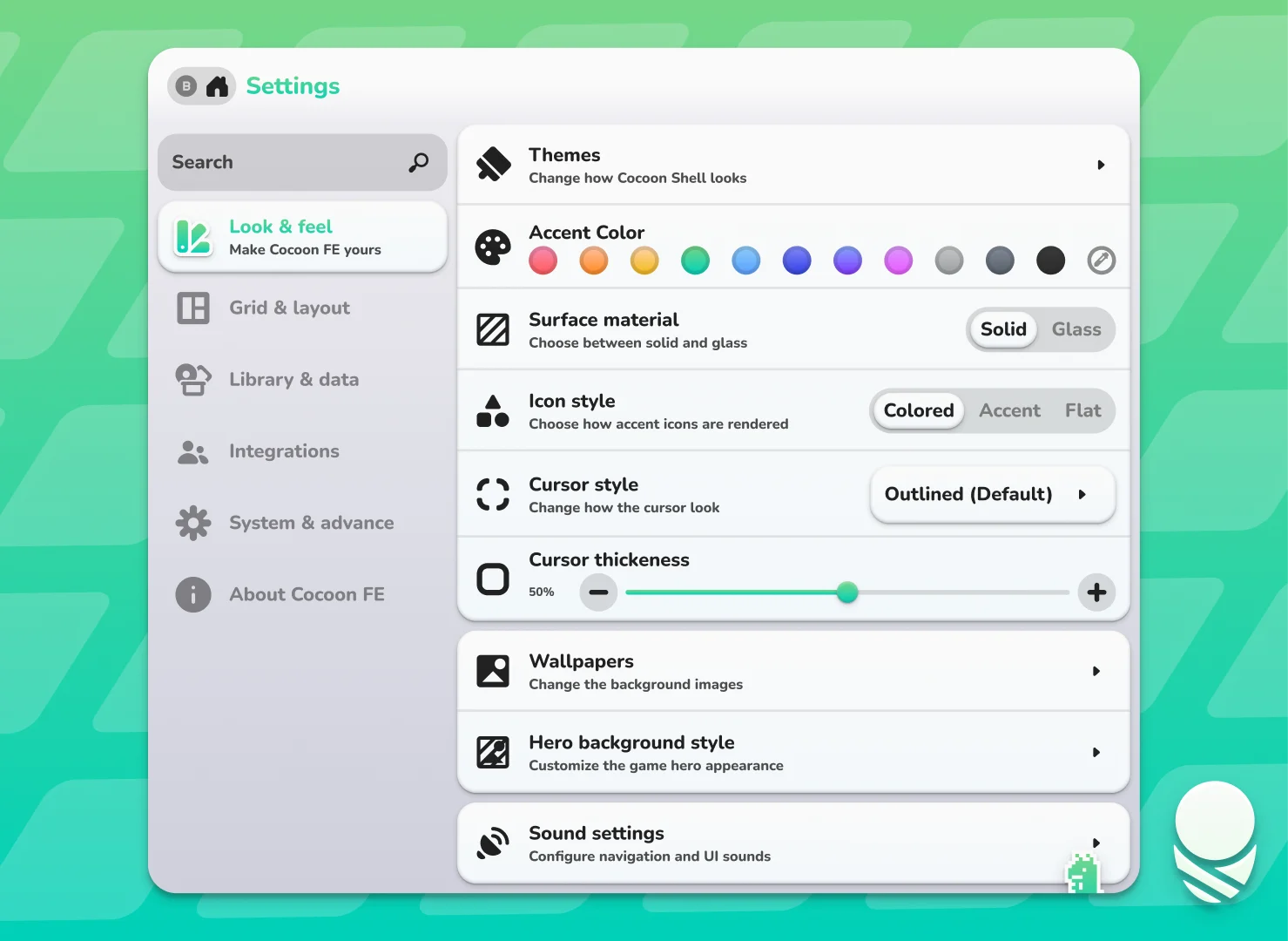
Settings with only a few options now show them all in a pill. Sliders and steppers have a simpler look, and with a controller you press A on one before changing it with left and right.
Grub has tips
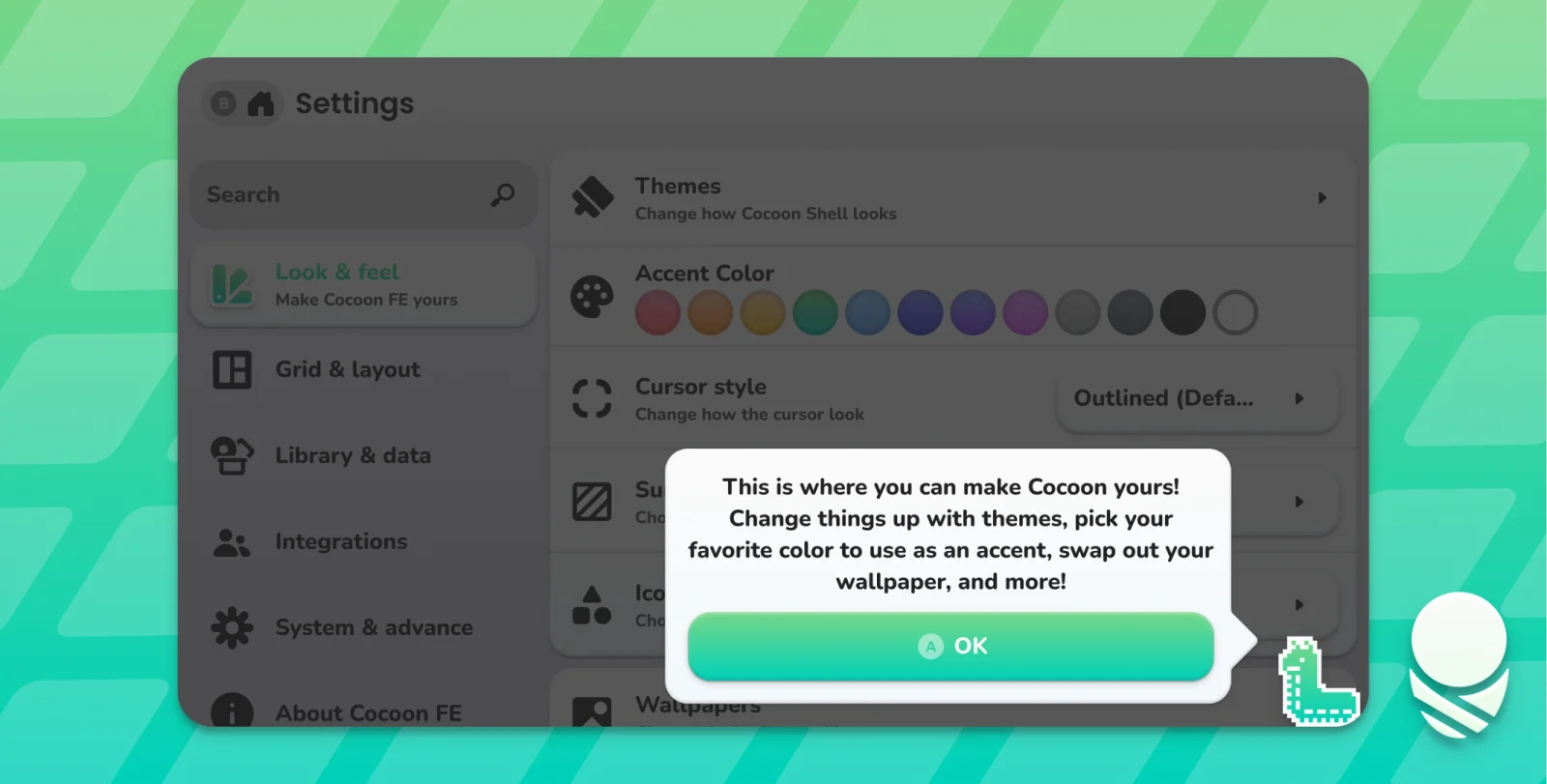
Grub now hangs out in Settings! Tap him and he’ll tell you about the page you’re on.
Preview your theme
Themes now has a live preview of your Home. Every choice shows up there before you apply it. You can also tap a part of the preview, like a folder’s icon or the hero behind it, to change that part by itself.
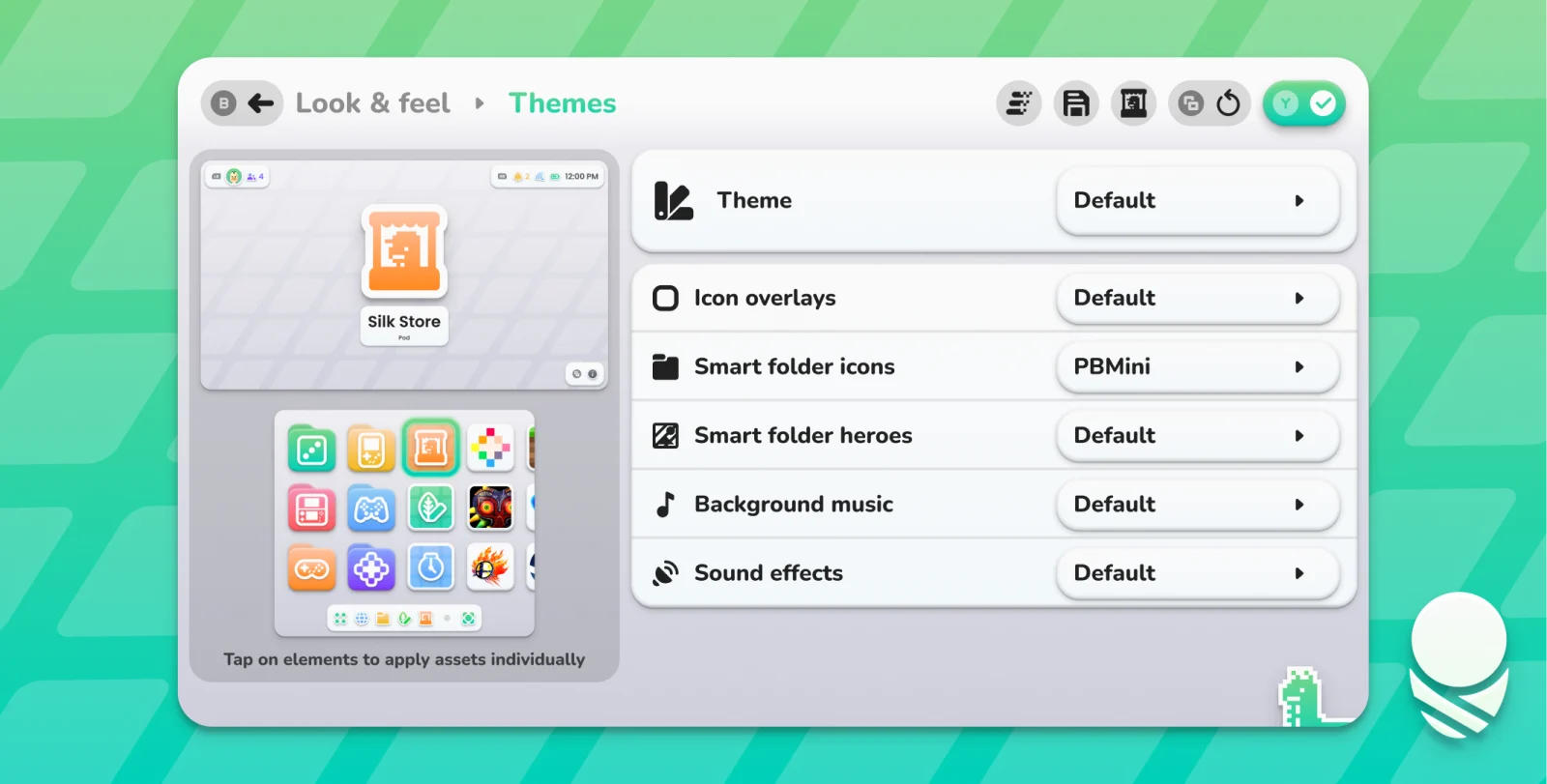
Can’t find an accent you like? Make your own! Pick the pipette at the end of Accent color to choose a start and end colour, or type a hex code.
Empty States
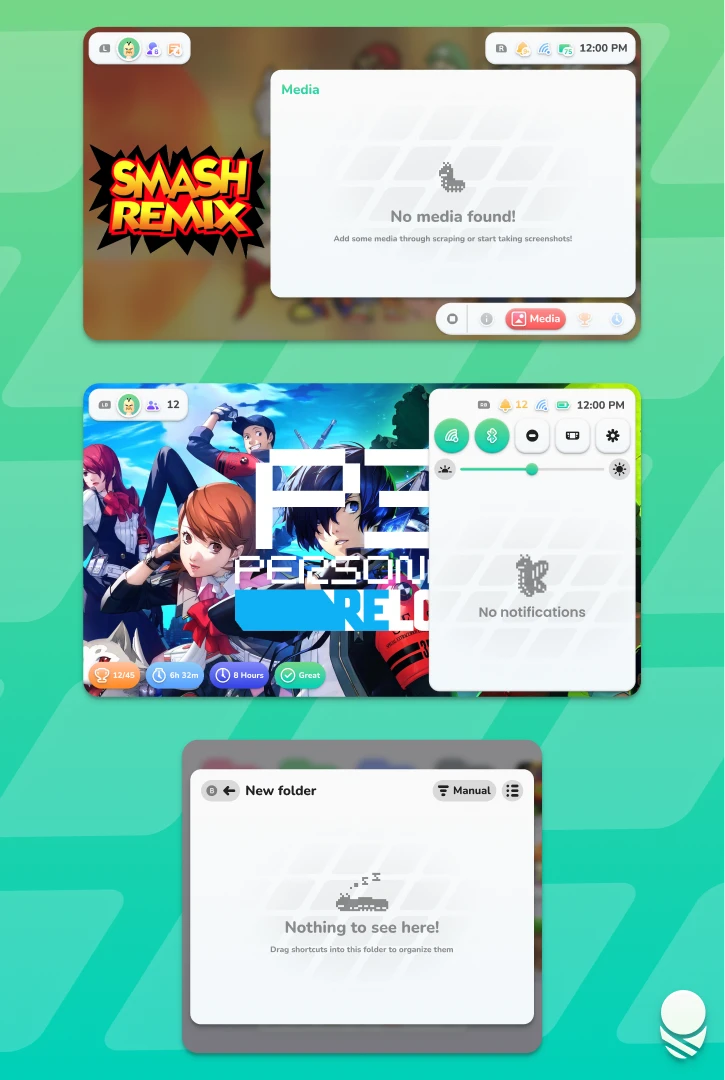
Cocoon now has empty states when there’s no information to show. Notifications, media, achievements, and many more.
Also New
- Mark a game as completed, or earn all its achievements, and it gets a crown on its icon
- Hold A in Edit grid to select several games, then scrape, move or remove them together
- Hold LT or RT to keep jumping through the grid or a list
- Folders can have their own jingle
- Hover over a toolbar button, or hold it with touch, to see what it does
- Cocoon uses the Nunito font throughout
- Widgets show at every zoom level they have a size for
- Scan complete offers to scrape the new games it found
- Scraping is much faster
Fixes
We’ve fixed a lot of bugs too:
- Games and apps launch after waking your device
- Home runs at the full refresh rate on dual-screen devices that were stuck at half
- Grid settings saves straight away right after Cocoon starts
- Enhanced Device Access no longer stays busy and blocks launches
- Tiles no longer go blank after restoring a backup
- Layout backups no longer fail with “Couldn’t write Layout to your data folder”
- Release dates save from ScreenScraper
- New players show up without restarting Cocoon
- Smart folders save a new icon or art
- Check for updates reaches GitHub again
Thank You!
Thank you to everyone who tested the previews and sent us feedback!
Join the Discord to share your setup and let us know what you think. If you’d like to support development, check out our Ko-Fi.
Download Cocoon 3.12